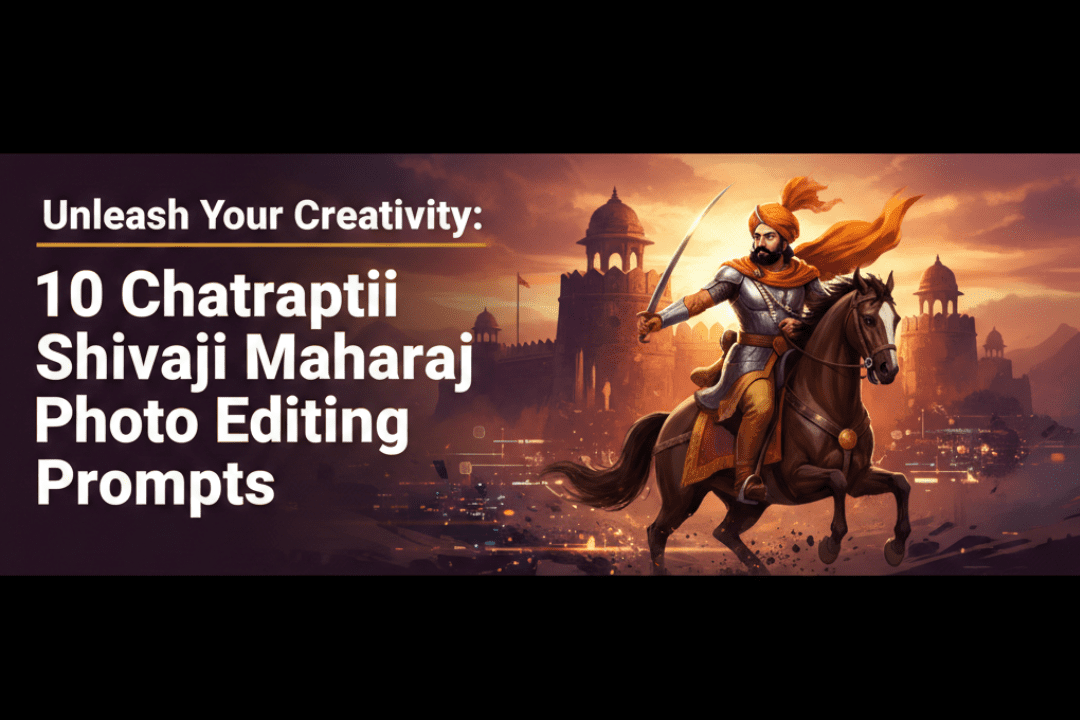
Discover the 10 best Chhatrapati Shivaji Maharaj photo editing prompts for AI art, digital tribute designs, and creative edits. Perfect for fans, designers, and history lovers.
Chhatrapati Shivaji Maharaj — the legendary Maratha warrior king — continues to inspire millions across India and the world. From his iconic portraits to majestic war scenes, his imagery carries deep cultural pride, spiritual reverence, and historical significance. With the rise of AI-powered image generation and photo editing tools like Adobe Photoshop, Midjourney, Stable Diffusion, and Canva, creators now have incredible power to design stunning tributes, wallpapers, and digital artwork dedicated to Maharaj.
Whether you’re a graphic designer, a content creator, or simply a devoted admirer of the great Chhatrapati Shivaji Maharaj, using the right photo editing prompts can make your artwork truly stand out. In this blog, we present 10 powerful Chhatrapati Shivaji Maharaj photo editing prompts that you can use to create breathtaking digital art.
Why Use Photo Editing Prompts for Chhatrapati Shivaji Maharaj Art?
Before diving into the prompts, let’s understand why well-crafted editing prompts matter:
- AI Art Generation: Tools like Midjourney and Stable Diffusion rely heavily on detailed prompts to produce accurate, high-quality images.
- Consistent Style: Good prompts help maintain a consistent artistic tone — whether you want a cinematic, oil painting, or realistic style.
- Cultural Accuracy: Specific descriptive prompts ensure that costumes, weapons, and settings remain historically respectful and accurate.
- Social Media Appeal: High-quality, prompt-driven edits perform better on platforms like Instagram, Facebook, and WhatsApp as status and tribute posts.
10 Chhatrapati Shivaji Maharaj Photo Editing Prompts
1. 🛡️ The Warrior King – Cinematic Battle Scene
Prompt:
“Chhatrapati Shivaji Maharaj standing on a battlefield at sunset, wearing golden armor and a royal Maratha turban, holding a sword (Bhavani Talwar) raised high, dramatic orange and red sky in the background, cinematic lighting, ultra-realistic, 8K resolution, oil painting style”
This prompt captures Shivaji Maharaj in his most iconic avatar — the fearless warrior. The cinematic lighting and sunset sky add a dramatic, emotionally powerful touch that looks stunning as a wallpaper or poster.
Best Tool: Midjourney, Stable Diffusion, Adobe Firefly
2. 🏰 Rajmudra and Fort – Royal Coronation Edit
Prompt:
“Digital art of Chhatrapati Shivaji Maharaj seated on a golden throne during his coronation at Raigad Fort, royal red and gold attire, Rajmudra seal in the foreground, priests and nobles surrounding him, grand architecture, warm golden lighting, hyper-detailed, majestic atmosphere”
This prompt recreates the historic 1674 coronation of Shivaji Maharaj at Raigad Fort. It’s perfect for Independence Day posts, Shiv Jayanti tributes, and educational content.
Best Tool: Adobe Photoshop + Generative Fill, Midjourney
3. 🌊 Naval Commander – Sea Battle at Night
Prompt:
“Chhatrapati Shivaji Maharaj as a naval commander standing at the front of a Maratha warship at night, stormy ocean, lightning in the sky, wearing silver armor, looking fearlessly at the horizon, cinematic, dramatic shadows, dark blue and silver color palette, ultra-HD”
Shivaji Maharaj was the Father of the Indian Navy. This prompt honors his maritime legacy with an epic, dramatic composition.
Best Tool: Stable Diffusion, NightCafe AI
4. 🌸 Peaceful Portrait – Minimalist Tribute
Prompt:
“Soft portrait of Chhatrapati Shivaji Maharaj, side profile, wearing a traditional Maratha saffron turban, gentle smile, watercolor painting style, pastel background with soft orange and yellow tones, clean and elegant, suitable for mobile wallpaper”
Not every tribute needs to be dramatic. This minimalist watercolor-style prompt creates a soft yet powerful image — ideal for mobile wallpapers or greeting cards on Shiv Jayanti.
Best Tool: Canva AI, Adobe Firefly, Bing Image Creator
5. 🔥 Agni Roop – Fire and Valor Edit
Prompt:
“Chhatrapati Shivaji Maharaj in warrior stance surrounded by fire, blazing orange and red flames in the background, fierce expression, glowing sword, Maratha armor, dark background, high-contrast dramatic edit, photorealistic, poster design style”
This prompt is perfect for creating powerful social media tribute posts. The fire symbolizes valor, fearlessness, and the burning spirit of the Maratha empire.
Best Tool: Adobe Photoshop with overlays, Midjourney
6. 🌿 Jungle Guerrilla Warfare – Sahyadri Mountains
Prompt:
“Chhatrapati Shivaji Maharaj leading Mavala soldiers through a dense green jungle in the Sahyadri mountains, mist in the air, early morning golden light filtering through trees, camouflaged warriors, hyper-realistic digital painting, cinematic composition”
Shivaji Maharaj pioneered guerrilla warfare tactics in the rugged Sahyadri ranges. This nature-meets-warfare prompt creates a visually rich, historically meaningful scene.
Best Tool: Stable Diffusion, Artbreeder
7. 👑 Golden Hour Majesty – Iconic Statue Tribute
Prompt:
“Majestic digital tribute of Chhatrapati Shivaji Maharaj, inspired by the grand equestrian statue, golden hour lighting, radiant orange sky, silhouette effect with glowing edges, horse rearing up, epic scale, 4K quality, inspirational poster style”
Inspired by the iconic Shivaji Maharaj statues across Maharashtra, this prompt creates a silhouette tribute that’s visually stunning for posters, banners, and Instagram reels.
Best Tool: Canva Pro, Adobe Express, Photoshop
8. ⚔️ Afzal Khan Encounter – Historic Moment
Prompt:
“Dramatic scene of Chhatrapati Shivaji Maharaj confronting Afzal Khan, forest background, tense atmosphere, Shivaji holding Wagh Nakh (tiger claws), dark dramatic lighting with sharp contrasts, intense expressions, cinematic historical painting style, deep red and brown tones”
The Afzal Khan encounter is one of the most dramatic moments in Shivaji Maharaj’s life. This prompt recreates it as a cinematic historical painting — bold, powerful, and historically significant.
Best Tool: Midjourney, Stable Diffusion
9. 🕉️ Spiritual Warrior – Divine Light Edit
Prompt:
“Chhatrapati Shivaji Maharaj in a meditative, divine pose, soft golden divine light radiating from behind, wearing simple saffron robes, holding a sword gently, symbolic of the union of spirituality and valor, celestial background with clouds and subtle Sanskrit symbols, serene and powerful”
Shivaji Maharaj was deeply spiritual, devoted to Goddess Bhavani. This prompt blends his warrior identity with his deep faith — a perfect design for temple displays, festive posts, and Shiv Jayanti celebrations.
Best Tool: Adobe Firefly, Bing Image Creator
10. 🎨 3D Hyper-Realistic Portrait – Modern Tribute
Prompt:
“Hyper-realistic 3D rendered portrait of Chhatrapati Shivaji Maharaj, detailed facial features, wearing traditional Maratha royal turban and armor, photorealistic skin texture, natural lighting, studio-quality finish, dark background with a subtle saffron gradient, ultra-high definition, award-winning digital art”
This is the ultimate photo editing prompt for those who want a modern, hyper-realistic tribute. It’s ideal for professional posters, calendars, and high-resolution print designs.
Best Tool: Stable Diffusion XL, Midjourney v6, DALL·E 3
Tips for Using These Prompts Effectively
Getting the best results from these prompts requires a few extra steps:
Be Specific with Style Tags: Always mention the art style — “oil painting,” “cinematic,” “watercolor,” or “photorealistic” — so the AI understands the tone you want.
Add Quality Boosters: Phrases like “8K,” “ultra-HD,” “hyper-detailed,” and “award-winning” push AI tools to generate sharper, more detailed outputs.
Use Negative Prompts (for AI tools): In Stable Diffusion or Midjourney, use negative prompts to avoid unwanted elements. For example: “No blurry faces, no cartoonish elements, no incorrect weapons.”
Layer with Photo Editing Software: After generating the AI image, use Adobe Photoshop or Lightroom to enhance colors, add text overlays, adjust lighting, and finalize the design for sharing.
Respect Cultural Sensitivity: Always create tributes that are respectful, dignified, and historically accurate. Avoid distorting Maharaj’s image in disrespectful ways.
Best Tools for Chhatrapati Shivaji Maharaj Photo Editing
Here’s a quick overview of the best tools to bring these prompts to life:
Midjourney is excellent for cinematic and painterly styles with highly detailed outputs. Stable Diffusion XL offers fine control with custom models and is free/open-source. Adobe Firefly integrates directly with Photoshop for seamless generative editing. DALL·E 3 (ChatGPT) is user-friendly and great for portrait and tribute designs. Canva AI is perfect for beginners creating social media posts and greeting cards. NightCafe AI is ideal for artistic, dark-themed, and dramatic compositions.
Shiv Jayanti Special Edits – When to Use These Prompts
These prompts are especially popular during:
- Shiv Jayanti (February 19) — Maharaj’s birth anniversary, celebrated widely across Maharashtra and India.
- Rajyabhishek Din (June 6) — Coronation anniversary of Shivaji Maharaj.
- Maharashtra Day (May 1) — A day of Maratha pride and cultural celebration.
- Independence Day and Republic Day — To honor India’s great warrior kings.
- WhatsApp Status and Instagram Tributes — Year-round, fans create stunning edits for social media.
Conclusion
Chhatrapati Shivaji Maharaj was not just a king — he was a visionary, a protector of Dharma, a naval pioneer, and an eternal symbol of courage. Creating tribute artwork using these 10 Chhatrapati Shivaji Maharaj photo editing prompts is a beautiful way to honor his legacy in the digital age.
Whether you’re building a poster for Shiv Jayanti, designing a wallpaper, or creating content for social media, these prompts will help you craft stunning, meaningful, and culturally respectful tributes. Try them out in your favorite AI art tool today and share your creations with pride!
Jai Shivaji! Jai Bhavani! 🙏🔱
Frequently Asked Questions (FAQs)
Q1. Which is the best AI tool for Shivaji Maharaj photo editing? Midjourney and Stable Diffusion XL are the top choices for detailed, cinematic portraits. For beginners, Canva AI and Adobe Firefly are easier to use.
Q2. Can I use these prompts for commercial designs? Always check the terms of service of the AI tool you use. Most AI-generated images can be used for personal and non-commercial tribute posts freely.
Q3. How do I make Shivaji Maharaj edits look realistic? Add keywords like “photorealistic,” “8K,” “hyper-detailed,” and “cinematic lighting” to your prompts. Post-processing in Adobe Photoshop can also significantly improve the final result.
Q4. Are these edits culturally appropriate? Yes, all prompts above are designed to create respectful, dignified, and historically inspired tributes. Always maintain cultural sensitivity in your creations.
Q5. Where can I share these edits? You can share them on Instagram, Facebook, WhatsApp Status, Pinterest, and YouTube Shorts as tribute reels or slideshows, especially during Shiv Jayanti.